

 செய்தி மடல்
 இ-பேப்பர்
/

Section Pages have a default layout supported. If you wish to configure section pages similar to the home page, follow the steps below:
- Ensure you’ve created your sections through Admin Settings.
- Navigate to Pages on the Side Bar.
- Type and search for your section, for example, ‘Travel’.
- Add collections to the section collection. For example, the collection for section ‘Travel’ can have collections ‘North’, ‘South’, ‘East’ and ‘West’ in them.
- Use the ‘Manage’ button to set layouts for each of these collections individually. For example, ‘East’ might be a ‘Half Image Slider’.
- Click on the ‘Apply’ button.
- ‘Save & Publish’ the collection.
(Check domain-name.com/template-options)
தொடர்புடையது

மண்ணச்சநல்லூர் மக்கள் மனங்களை வென்ற கதிரவன்!

ஒரே நோக்கில் செயல்படும் இரண்டு முன்னணி திட்டமிடுபவர்கள் இணைந்தார்கள்

வேலுமணி கோட்டையாகத் திகழும் தொண்டாமுத்தூர்! திமுகவுக்கு சவாலா?
ஐஜேகே மாநாடு: அலைகடலென திரண்ட லட்சக்கணக்கான தொண்டர்கள்
வீடியோக்கள்
வீடியோக்கள்
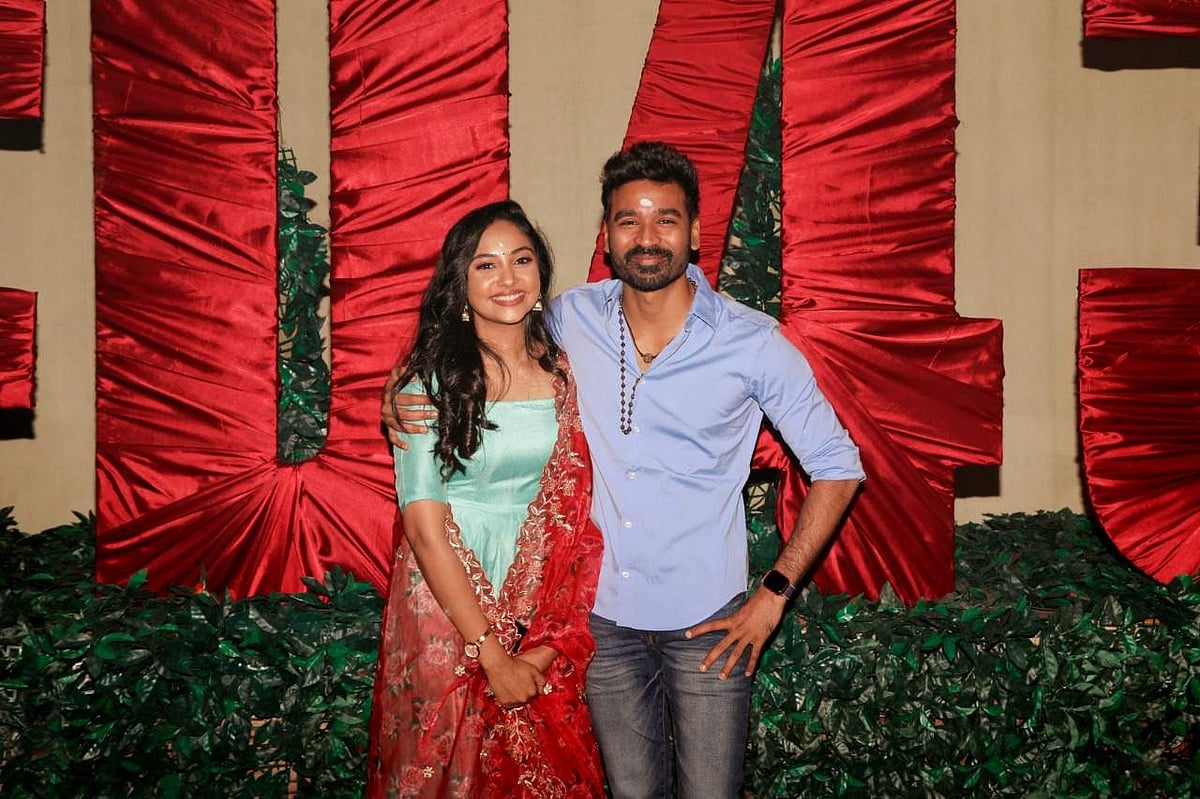
கேப்டன் மில்லர் ஓடிடி ரிலீஸ் தேதி அறிவிப்பு!
dinesh1@test.com
6 பிப்ரவரி 2024
வீடியோக்கள்
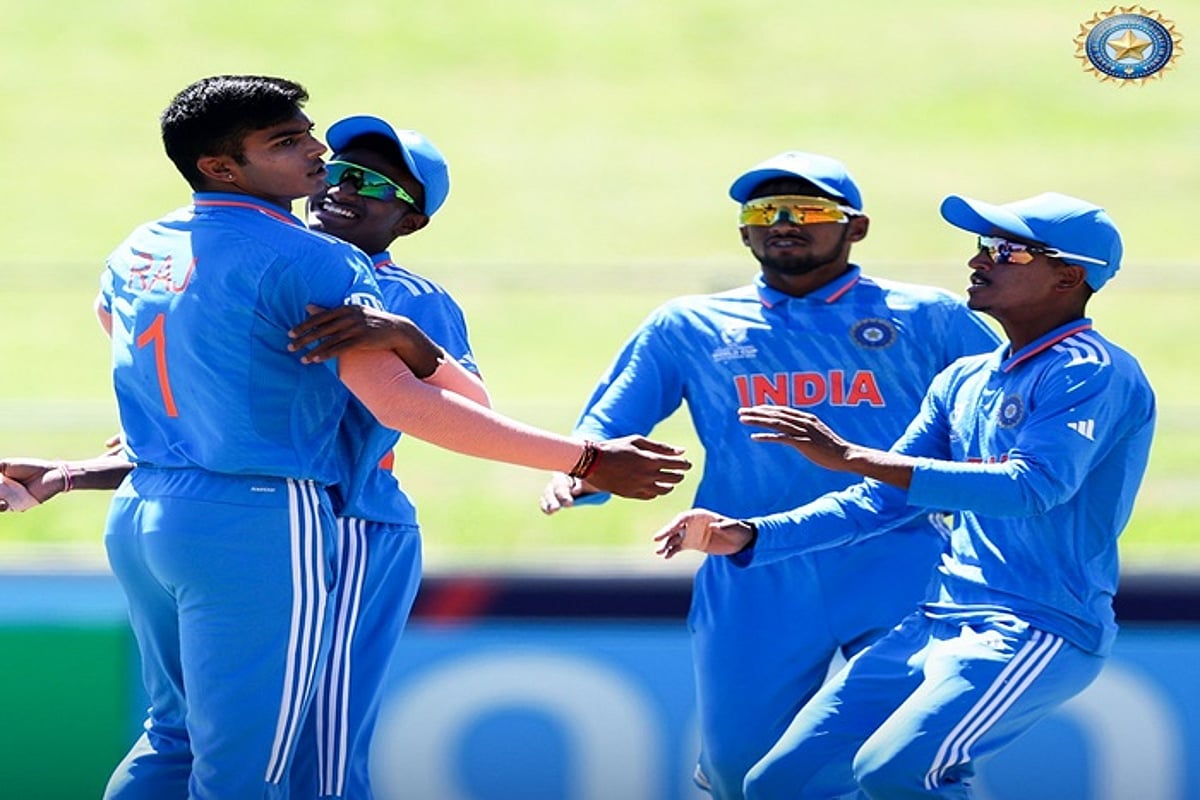
யு-19 உலகக் கோப்பை அரையிறுதி: இந்தியாவுக்கு 245 ரன்கள் இலக்கு!
tamil
6 பிப்ரவரி 2024

வீடியோக்கள்
ஆடு ஜீவிதம் உருவானது எப்படி? - விடியோ
sivashankar
6 பிப்ரவரி 2024

வீடியோக்கள்
அமலாக்கத் துறையைக் கொண்டு ஆம் ஆத்மி தலைவர்களை அச்சுறுத்தும் பாஜக: அதிஷி
parvathi
6 பிப்ரவரி 2024